Online Business
Free All-in-One vs DIY Stack: Start an Online Business for $0
Two real paths to start an online business with no money — one platform or five free tools. Here's what each costs in time, and which one actually wins.
Disclosure: This article contains affiliate links. If you sign up through them we may earn a commission — at no extra cost to you. We only recommend tools we believe are genuinely useful.
Starting an online business with no money: it’s which kind of free that matters
Most people who search how to start an online business with no money already know the answer is yes. The internet is full of free tools. What nobody warns you about is this: free still costs something. It might be your time stitching five disconnected apps together at midnight, or your sanity when Mailchimp stops syncing with your landing page.
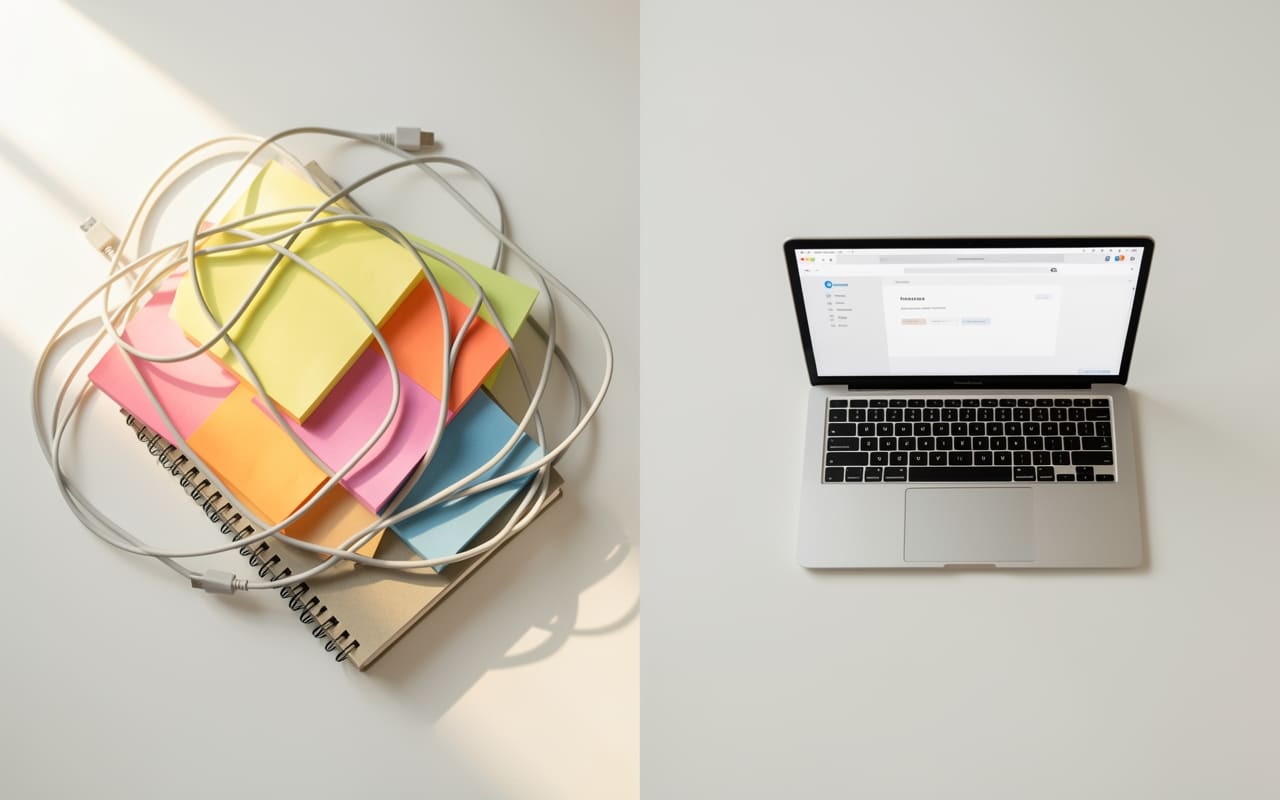
So here’s the comparison that actually matters: DIY free stack — six tools, each free, each doing one job — versus free all-in-one platform — one login, same capabilities, built to work together from day one.
Both paths let you start an online business with no money. They do not cost the same in friction.
Path A: The DIY free stack
The appeal is real — you get best-in-class tools at $0. Here’s what a typical free stack looks like for someone selling a digital product or service:
- Landing page: Carrd (free tier)
- Email marketing: Mailchimp (free up to 500 contacts)
- Digital product delivery: Gumroad (free, takes a 10% transaction cut)
- Checkout: Gumroad or Stripe (free account, percentage fees on each sale)
- Automation glue: Zapier (free tier — 100 tasks per month)
- Course hosting: Teachable (free plan, but high transaction fees apply)
Total monthly cost: $0. Total setup time: 8–20 hours. Total points of failure: at least five.
The real friction shows up the moment you try to connect these pieces. Your landing page doesn’t know what Mailchimp is doing. A Gumroad purchase doesn’t automatically tag a new subscriber in Mailchimp without a Zapier zap. Zapier hits its task limit after 100 automations per month. And when Mailchimp changes its API or Carrd updates its embed rules, something breaks quietly — usually late on a Friday.
The DIY stack is legitimately free if you have the time and patience to babysit integrations. For a first experiment, it can work. For building something you want to scale, it’s a constant tax on your focus.
Path B: The free all-in-one platform
The alternative is a single platform where every piece already talks to each other — and the free plan is genuinely permanent. systeme.io has a free tier with no credit card required and no trial countdown:
- Sales funnels (up to 3 funnels on the free plan)
- Email list and campaigns (up to 2,000 contacts)
- Marketing automation rules
- Digital product delivery and online course hosting
- Built-in checkout without third-party transaction cuts
You build the landing page, connect the checkout, set up the welcome email, and deliver the product — all inside the same dashboard. No Zapier zaps. No API debugging at 2 a.m. No integration fires to put out.
The trade-off is flexibility. The DIY stack lets you pick exactly which email tool, which course platform, which checkout flow. The all-in-one makes those decisions for you. If you have strong opinions about a specific tool’s feature set, that constraint may chafe.
For someone starting from zero? That constraint is usually a relief. If you want a closer look at what a free funnel build actually produces in practice, the breakdown of a $2,106 launch using a free funnel builder covers the real mechanics in detail.
Head-to-head: where each path wins and loses
| DIY Free Stack | Free All-in-One | |
|---|---|---|
| Setup time | 8–20 hours | 2–4 hours |
| Integration work | High (Zapier required) | None (built in) |
| Email contacts | 500 (Mailchimp free) | 2,000 |
| Course/product hosting | Free but 10%+ fees | Included, no cut |
| Customisation | High | Moderate |
| Scale path | Swap individual tools | Upgrade one plan |
| Learning curve | High (5+ dashboards) | Lower (1 dashboard) |
The DIY stack wins on raw flexibility and depth of control. The all-in-one wins on time-to-launch and day-to-day reliability once you’re running.
The hidden cost the comparison tables miss
Neither path costs money. Both cost something else.
The DIY stack costs configuration hours and mental overhead. Every tool has its own UI, its own quirks, its own documentation. When something breaks — and it will — you’re debugging across five platforms at once. For a solo founder who is also writing the content, building the offer, and handling customer questions, that overhead compounds fast.
The all-in-one costs optionality. You’re betting on one platform’s roadmap. If pricing changes or the service goes down, you’ll face a migration. That’s a real risk worth naming honestly.
But here’s the practical reality: you’re not locking in forever on day one. You’re choosing a starting point. The all-in-one gets you to a live funnel in an afternoon. The DIY stack might not get you there this week.
A realistic composite scenario: a solo creator with a digital template pack to sell spends an afternoon on an all-in-one platform — funnel, checkout, welcome email sequence — and has a live product page before dinner. A similar creator who chose the DIY stack spends three evenings debugging Zapier before their page goes live. Both launched for $0. One launched sooner. Your timeline will vary.
Which path fits you?
Choose the DIY free stack if:
- You already use a specific tool you’re committed to — a built-up Mailchimp list, an existing Teachable course
- You want granular control over every piece of the stack
- You have a few weeks to experiment before needing revenue
- You plan to eventually bring in help who already knows these tools
Choose the free all-in-one if:
- You want to launch this week, not next month
- You’re building your first funnel and don’t need to evaluate every option
- You want to test your idea before spending 15 hours on a custom stack
- You work solo and can’t afford a broken automation at 2 a.m.
For most people reading this — solo founders, side hustlers, people who haven’t launched yet — the all-in-one wins. Not because it’s objectively better at every dimension, but because a working funnel beats a perfect plan every time.
The one thing that actually decides whether you make money
Whichever path you choose, the bottleneck is almost never the tool — it’s the offer.
Most online businesses stall before they even open a dashboard. The founder hasn’t decided what they’re selling, to whom, or at what price. Pick the simplest version of your product: one digital download, one service package, one mini-course. Then build the shortest funnel that sells it — a landing page, a checkout, a follow-up email. Nothing else.
Once you’ve validated the idea and made a few sales, you’ll have far better information about which tools you actually need. That’s when swapping something out makes sense — not on day one.
If you want a walkthrough of how that first funnel actually comes together, building a first sales funnel in a weekend covers the real mechanics — including what to cut and what most people overcomplicate.
The goal isn’t the perfect stack. It’s your first sale.
Frequently asked questions
- Can you really start an online business with no money at all?
- Both a DIY free stack and all-in-one platforms like systeme.io have genuinely free plans with no trial expiry. The difference is setup time: a DIY stack of five tools typically takes 8–20 hours to configure and connect, while an all-in-one platform takes closer to 2–4 hours. Either path gets you a live product page and email list without spending a dollar.
- What's the difference between a DIY free stack and a free all-in-one platform?
- A DIY free stack means picking the best individual tool for each job — landing pages, email marketing, checkout, product delivery — each on its own free tier. An all-in-one platform handles all of those jobs under one login. The stack gives more customisation; the all-in-one saves roughly 10–15 hours of integration work and eliminates the points where separate tools quietly break each other.
- How long does it take to set up an online business for free?
- With an all-in-one platform, a basic funnel — landing page, checkout, welcome email — typically takes 2–4 hours from scratch. A DIY free stack usually takes 8–20 hours because you're setting up and connecting five separate tools. In either case, the biggest time investment tends to be deciding on your offer, not the technology itself.
- When should I start paying for online business tools?
- Pay for tools when you hit a specific free-tier limit that's actually blocking revenue — your email list crosses the free contact cap, you need more funnels than the free plan allows, or transaction fees are eating into margins. Upgrading before you've validated your offer wastes money. The right trigger is a real constraint you're actively hitting, not a feature you think you might want someday.
Keep reading

How to Get Your First Online Sale (When Nobody's Buying)
Zero sales isn't a marketing problem — it's usually one of three fixable things. Here's how to diagnose it and get your first one.
Read →
7 Passive Income Ideas for Beginners With No Money
Seven realistic passive income ideas for beginners with no money, plus the exact first step to start each one today.
Read →
How to Start a Side Hustle With No Experience (5 Steps)
Two honest paths to your first side hustle, compared step by step — pick the one that fits your time, not your excuses.
Read →